What Should You Do If a Business Laptop Is Infected?
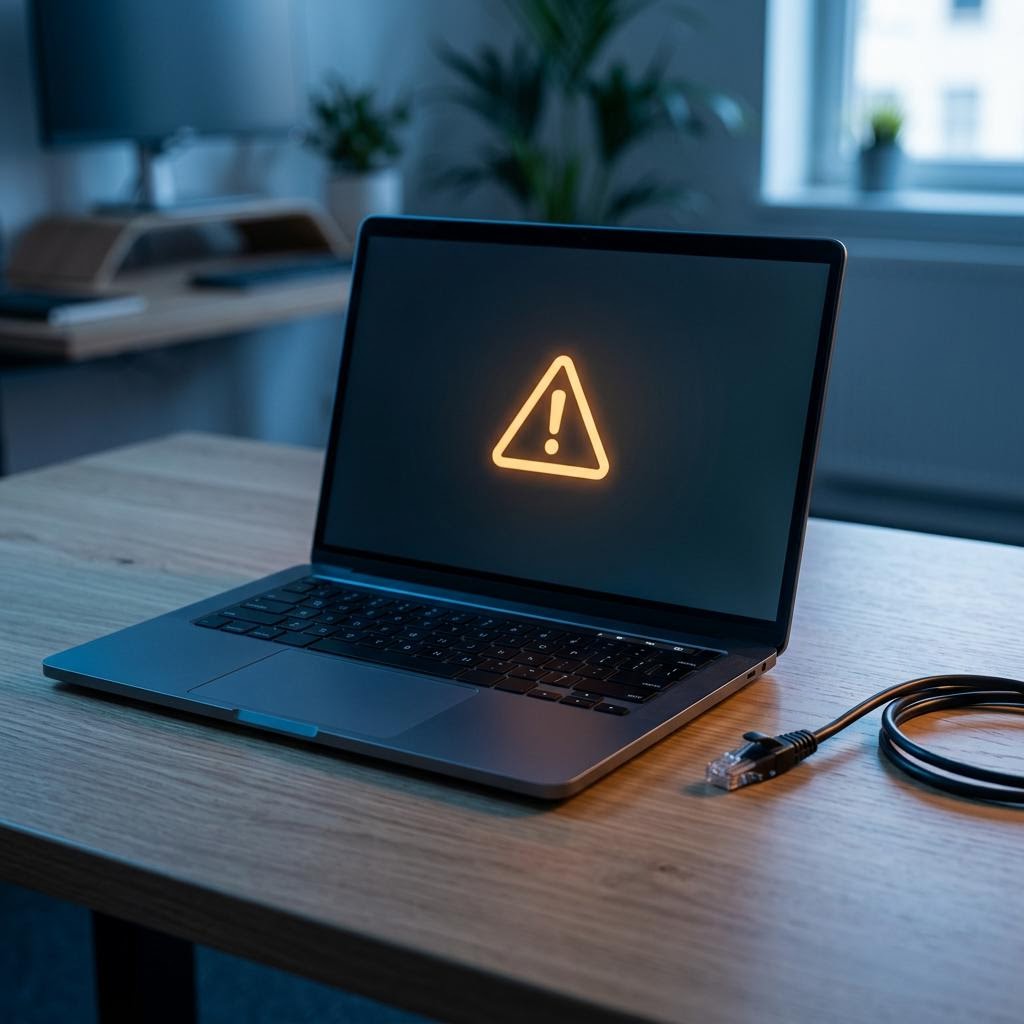
A practical incident-response sequence for isolating an infected work laptop, protecting evidence, securing accounts and returning it to service safely.
Call us
01246 267552Email us
info@hcmagroup.co.ukA suspected infection is a business incident, not just a slow-computer problem. Unexpected encryption messages, security alerts, unfamiliar sign-ins, disabled protection or files changing by themselves all justify prompt action. The aim is to contain the problem without destroying information that an IT or security responder may need.
1. Isolate the laptop from every network
Act promptly. Disconnect the Ethernet cable and turn off WiFi and Bluetooth. Disconnect any mobile-data connection, docking station with network access and shared storage. Do not attach USB drives or backup disks.
Isolation helps stop malware reaching other devices, shared folders or cloud services. It is not the same as fixing the laptop. Leave it isolated until a competent responder gives further instructions.
If you cannot isolate the laptop through its network controls, ask your IT responder whether they can block it at the router, switch or management platform. For active ransomware that is visibly spreading, shutdown may be the safer containment choice when no other isolation is possible. However, switching off can erase evidence held in memory. CISA therefore treats power-down as a fallback when affected equipment cannot otherwise be disconnected. If time permits, make that trade-off with your responder rather than routinely holding down the power button.
2. Use a separate, trusted device to get help
Do not use the suspect laptop to email IT, search for a fix or open your password manager. Malware may capture what you type, and an attacker may be able to read communications.
Use a known-clean phone or computer and an out-of-band method such as a telephone call. Contact whoever is named in your incident plan: internal IT, your contracted provider or an appropriate cyber incident-response specialist. Tell them:
- who was using the laptop and where it is;
- what happened, including the exact wording of alerts or ransom notes;
- when the first sign appeared and what the user was doing;
- which networks, accounts, shared drives and removable devices were connected; and
- what containment steps have already been taken.
Do not contact an attacker, pay a ransom or install a tool recommended by a pop-up without specialist and legal guidance.
3. Preserve evidence and keep a simple record
Do not wipe, reset, reinstall or run a collection of “clean-up” utilities before the incident has been assessed. Those actions can alter logs, remove useful evidence and make it harder to understand what was accessed.
From a safe distance, photograph the screen if it shows a message. Record times, symptoms, filenames, alerts and actions taken. Keep suspicious emails in the mail system if possible rather than forwarding them around. Preserve relevant security alerts, sign-in records and network logs under your normal retention and access rules. Do not explore suspicious files merely to gather more detail.
Evidence helps a responder determine whether this is one damaged laptop, a compromised account or a wider intrusion. Maintain a short incident timeline and note who makes each decision.
4. Protect accounts from a clean device
Do not change passwords on the suspect laptop. First identify accounts that were used on it: email, Microsoft 365 or Google Workspace, banking, remote access, line-of-business systems and administrator accounts.
From a trusted device, an authorised administrator or provider should assess suspicious sign-ins and scope. Depending on the findings, actions may include:
- disabling affected accounts temporarily;
- resetting exposed passwords to new, unique values;
- revoking active sessions, tokens and remembered devices;
- checking multifactor authentication methods and recovery details;
- removing unauthorised forwarding rules, applications or delegates; and
- prioritising privileged, finance and email accounts.
Avoid a rushed company-wide reset with no plan. Credential changes need clean administration devices, a sensible order and checks that an attacker no longer has a route back in.
5. Decide whether personal data is involved
An infection is not automatically a reportable personal data breach, but it must be assessed. Consider whether personal data was accessed, changed, lost, encrypted or disclosed, and the likely effect on people.
Under UK GDPR, notify the ICO without undue delay and, where feasible, within 72 hours of becoming aware of a personal data breach if it is likely to risk people’s rights and freedoms. If that risk is high, affected people must also be informed without undue delay. Record the breach and the reasoning whether or not it is reported. Seek data-protection or legal advice where the facts or threshold are unclear; do not wait for a complete forensic report before starting the assessment.
6. Recover through an approved route
A responder should establish scope, preserve what is needed and choose a trusted recovery route. That will often mean securely wiping and rebuilding the laptop from an approved image rather than assuming an antivirus scan has made it safe. Patches, endpoint protection and required business software should be installed from trusted sources.
Restore only from backups that have been checked for malware and pre-date the infection. Validate the rebuilt device on a controlled network, monitor it, and reconnect it to normal systems only after the responsible IT or security person has cleared it. Then review the entry point, affected accounts and lessons for staff, backups and controls.
HCMA Softtech provides endpoint-focused support, device setup and agreed security oversight rather than a guaranteed emergency incident-response service. To review preventative device controls and support scope, see Managed IT & Security Services. For a discussion about suitable business IT and security support, contact HCMA Softtech.
Sources and further guidance
HCMA Softtech
Chesterfield-based support for customers UK-wide · hcmagroup.co.uk
Call us
01246 267552Email us
info@hcmagroup.co.uk